
To fix the problem go into Settings > Options > Advanced Options and select ‘Applications’ menu. Choose WhatsApp and select Edit Permissions:
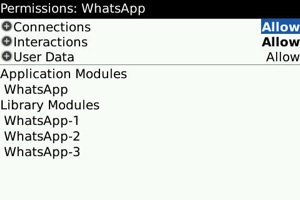
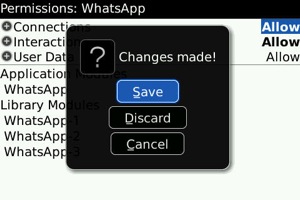
Set WhatsApp Permissions to Allow and Save:
After saving new permissions, reboot your BlackBerry by removing battery from the deviceIf you are still having problems performing the above steps, go to Options -> Security Options -> Firewall, and select Reset Firewall from the menu. Be sure to Save and reboot your BlackBerry by removing battery from it for 30 seconds.